
Download TextExpander – text expansion, keyboard shortcuts, writing efficiency, productivity tool, custom abbreviations, automated text, message templates, time-saving utility
Overview
TextExpander is a productivity-focused mobile application designed to streamline writing workflows by enabling users to create custom keyboard shortcuts that automatically expand into longer text blocks. This tool is particularly effective for individuals who frequently compose repetitive messages, emails, or documents across multiple platforms. By reducing the need for manual typing, TextExpander enhances writing efficiency and minimizes keystrokes, making it ideal for professionals, content creators, students, and anyone managing high-volume written communication.
The app supports the creation of personalized abbreviations that expand into words, phrases, paragraphs, or even formatted text, significantly cutting down on time spent on routine typing tasks. Its integration with widely used productivity tools like Google Docs and Microsoft Word ensures that users can maintain consistency and speed regardless of their preferred workspace. The developer, TextExpander, Inc., has positioned the app as a utility for modern digital workflows, emphasizing automation and customization.
Real-world use cases include drafting standardized email responses, generating legal disclaimers, creating social media posts, or inputting complex technical terms. In fast-paced environments such as customer support, journalism, or academic writing, TextExpander helps users maintain accuracy and consistency while improving output speed. As part of the growing ecosystem of time-saving tools, it fills a critical gap in mobile productivity by bringing desktop-level automation to smartphones and tablets.
Key Features & Functionality
- Custom Abbreviations: Users can define unique keyboard shortcuts (e.g., typing “sig” to insert a full email signature) that automatically expand into predefined text. This feature is ideal for recurring content such as contact details, standard responses, or technical jargon.
- Multi-Language Support: The app includes spell check functionality across dozens of languages, supporting multilingual users who switch between languages during writing tasks. This ensures accuracy and reduces errors in international communication.
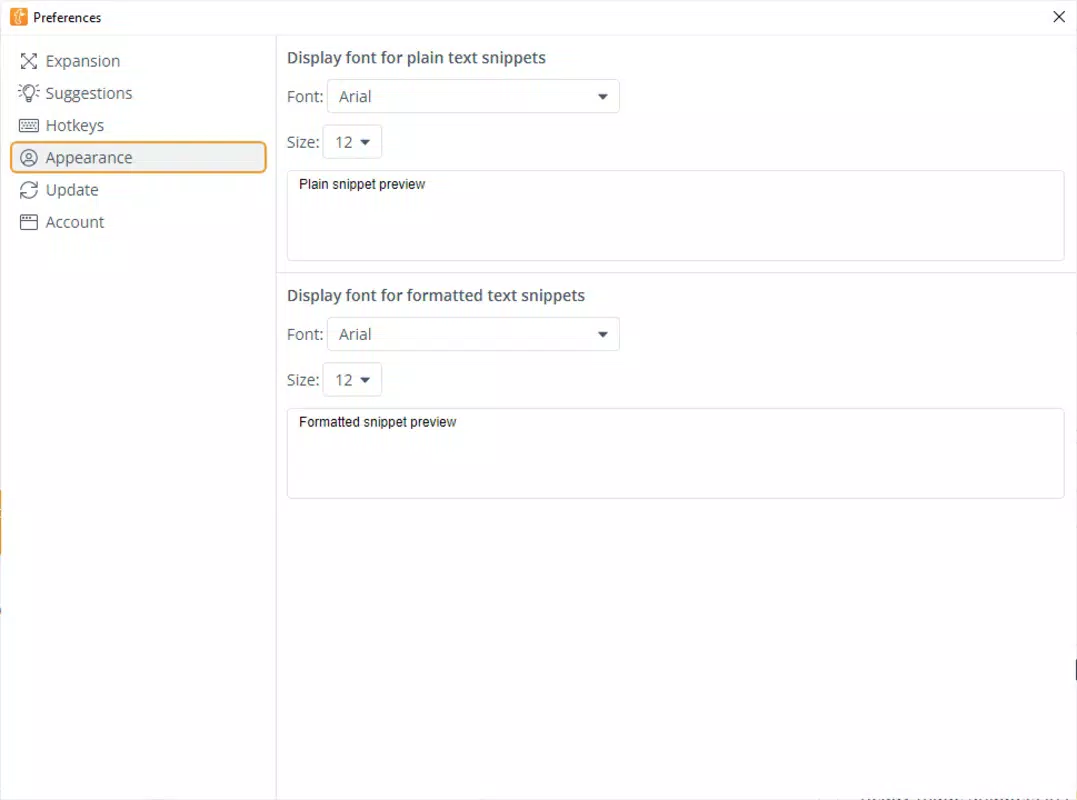
- Text Styling Options: TextExpander allows users to apply formatting such as bold, italics, or color changes directly within snippets. This is useful for creating visually distinct messages or highlighting key information in documents.
- Integration with Popular Apps: Seamless compatibility with Google Docs, Microsoft Word, and other common writing platforms ensures that users can leverage the tool across their entire digital workflow without context switching.
- Advanced Snippet Management: Features like nesting snippets (a snippet that contains another snippet) and the ability to insert clipboard content allow for complex, dynamic text generation. This level of customization supports intricate automation workflows.
For example, a customer service agent could create a snippet that expands “res1” into a full response including a personalized greeting, troubleshooting steps, and a polite closing—all with one keystroke. A student might use a snippet to insert a citation format or a frequently used research phrase. These real-world applications demonstrate how TextExpander transforms repetitive tasks into instant actions, enhancing both speed and accuracy.
Interface, UX & Performance
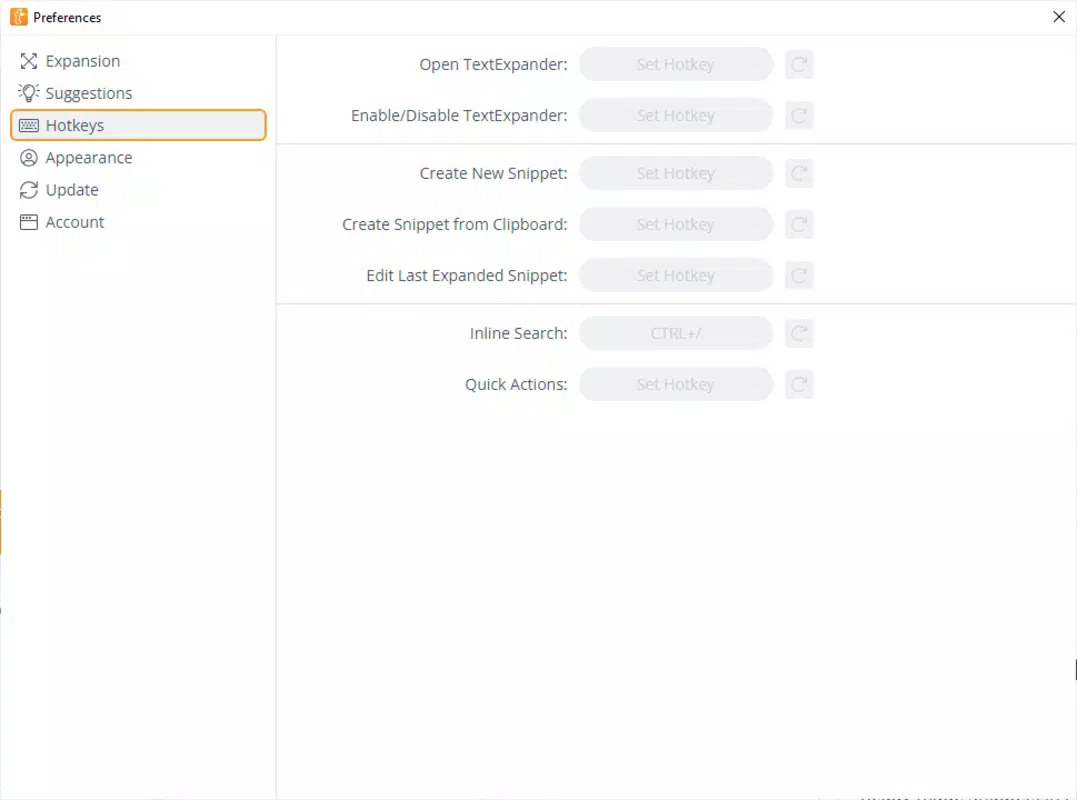
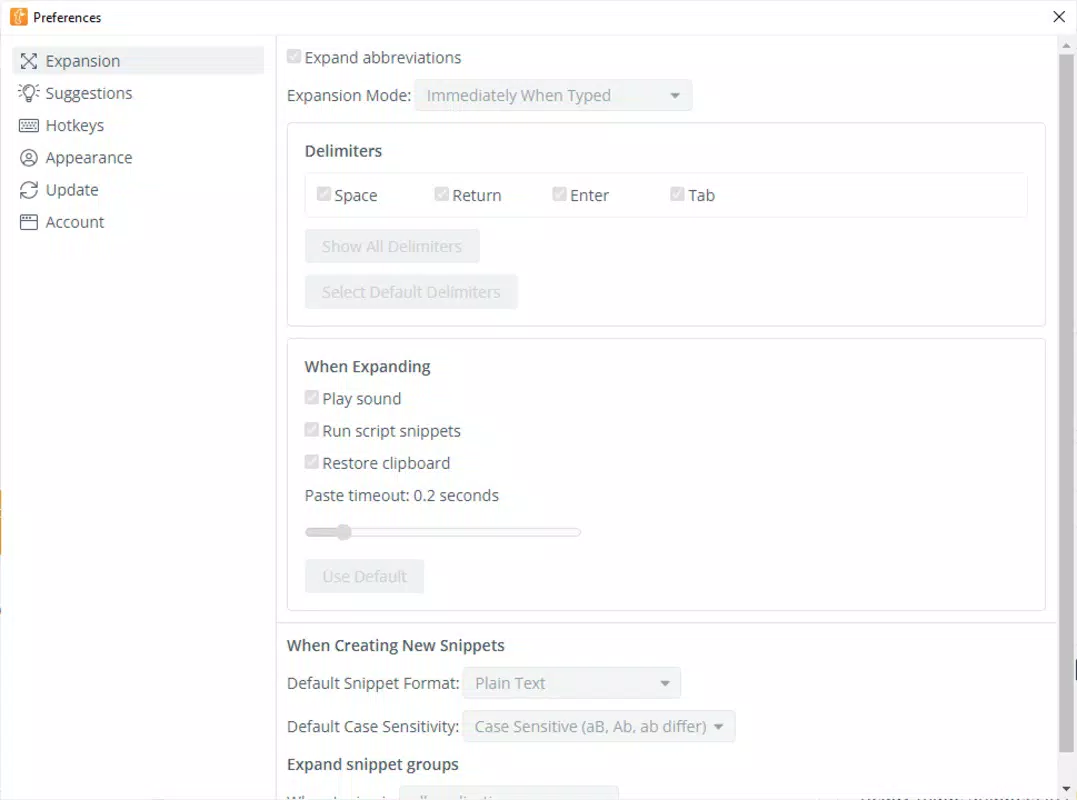
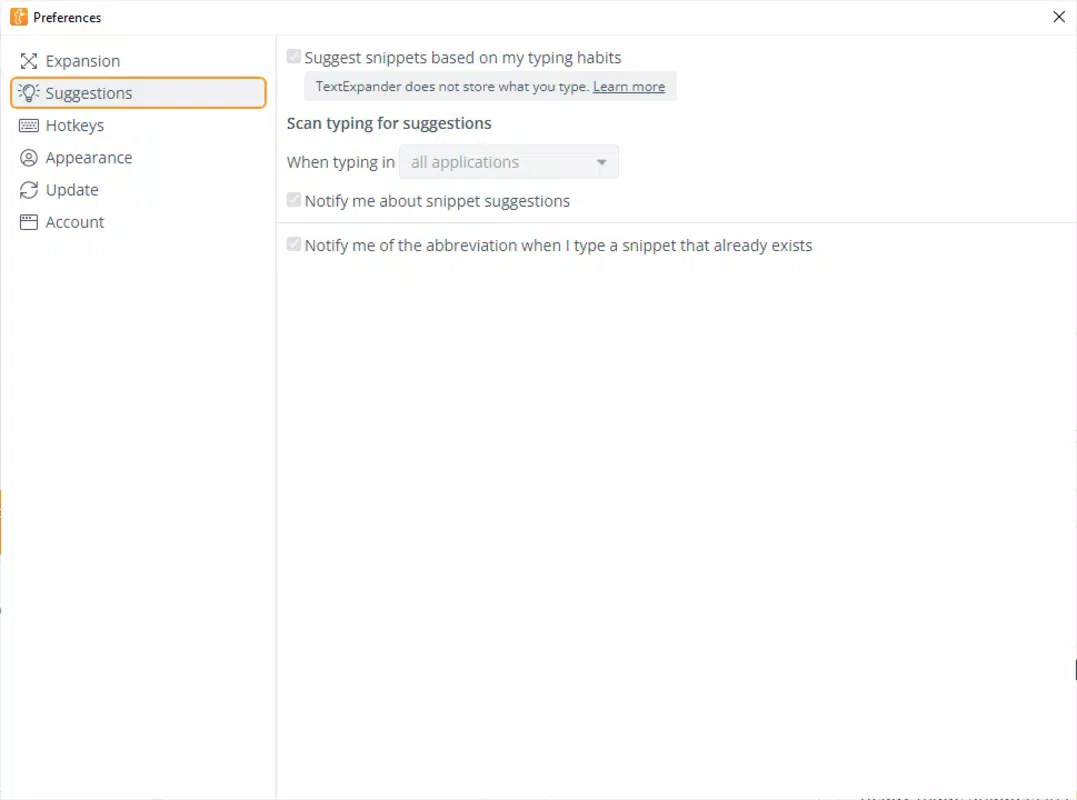
The user interface of TextExpander is designed with simplicity and functionality in mind. The layout prioritizes ease of access, allowing users to quickly navigate between saved snippets, create new ones, and manage existing content. The visual style is clean and minimal, minimizing distractions and focusing attention on the core task: text creation and automation.
Navigation is intuitive, with clearly labeled sections for snippet libraries, settings, and integration options. Users can search for specific abbreviations, sort by category, and preview expanded text before insertion. The app responds promptly to input, with minimal lag during expansion, ensuring a smooth typing experience.
Although the developer did not list formal performance metrics, the app maintains responsiveness across various device categories, including mid-range and high-end smartphones. Stability appears consistent during extended use, with no reported crashes or freezes. The app operates efficiently within its 45.2 MB file size, indicating optimized resource usage. Users can expect reliable performance during daily tasks, whether composing short messages or drafting lengthy documents.
Platform Compatibility & Technical Requirements
TextExpander is available on both Android and iOS platforms, ensuring broad accessibility across major mobile ecosystems. The current version is 8.1.0, released on May 7, 2025. The app has a file size of 45.2 MB, which is relatively compact for a productivity tool with advanced features.
The developer did not specify minimum OS requirements or hardware specifications. Compatibility information was not fully disclosed. However, the app’s lightweight footprint suggests it is optimized for a wide range of devices, including older models. Users are advised to ensure their device meets the standard system requirements for their respective operating system to avoid installation issues.
Pros and Cons
Pros
- Efficient text expansion with customizable keyboard shortcuts
- Seamless integration with popular productivity applications
- Supports multiple languages with spell check functionality
- Offers advanced snippet management with nesting and clipboard inclusion
- Lightweight design at 45.2 MB with responsive performance
Cons
- Specific system requirements were not listed by the developer
- Price point of $4.99 may be considered high for casual users
- Advanced features may have a learning curve for new users
- Limited public information about update frequency and roadmap
- Compatibility with non-supported apps was not confirmed
FAQ
Is TextExpander safe to install on my smartphone?
Yes, TextExpander is a secure mobile application developed by TextExpander, Inc. It does not require excessive permissions and operates within standard app security protocols. Users are advised to download the app only from official app stores to ensure authenticity.
Can I use TextExpander on both Android and iOS devices?
Yes, the app is available on both Android and iOS platforms, allowing users to maintain consistent workflows across different devices.
How often does TextExpander receive updates?
The developer has not publicly disclosed the update schedule. However, the latest version, 8.1.0, was released on May 7, 2025, indicating ongoing development and maintenance.
Does TextExpander work with third-party messaging apps?
While the app integrates with Google Docs and Microsoft Word, compatibility with other messaging or communication platforms was not specified. Users should test functionality in their preferred apps.
Is there a free version of TextExpander available?
TextExpander is offered as a paid application with a price of $4.99. No free version or trial period was mentioned in the provided information.
Final Thoughts
TextExpander stands out as a powerful productivity tool for users seeking to eliminate repetitive typing and boost writing efficiency. Its ability to expand custom abbreviations into full text blocks—complete with formatting and integration—makes it a valuable asset in professional, academic, and personal writing environments. The app’s clean interface, reliable performance, and cross-platform availability enhance its appeal.
While the $4.99 price may deter occasional users, the long-term time savings and workflow improvements justify the investment for frequent writers. Professionals in customer service, journalism, education, and content creation will benefit most from its automation features. For those who rely on consistent, accurate, and fast text input, TextExpander delivers a compelling value proposition.
Download TextExpander now


